
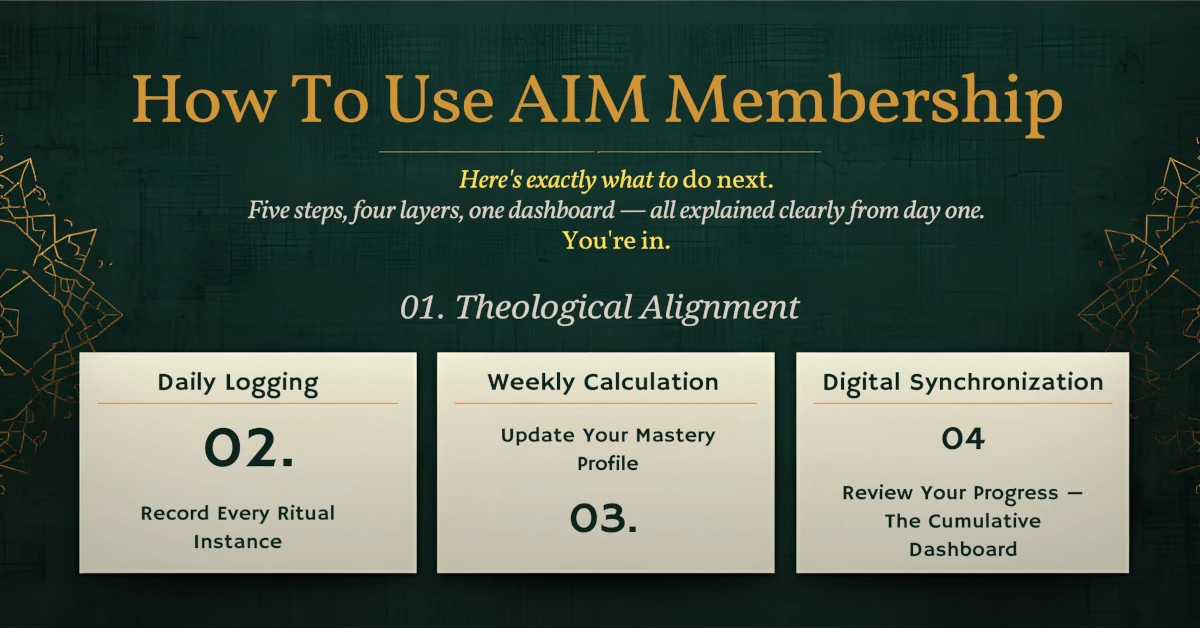
You’re in.
Here’s exactly what to do next.
This page is your permanent reference for everything that happens after you subscribe. Five steps, four layers, one dashboard — all explained clearly from day one.
Your membership delivers six assets per article
Every Tuesday when a new article publishes, a new pack drops in your Member Dashboard. Here is what each pack contains and what it is for.
The five-step synchronization protocol
Follow these steps in order, every week. Steps 0–2 happen offline in your Excel file. Steps 3–4 happen online. The full cycle takes under 10 minutes per week.
Theological Alignment — Open the THEOLOGY Folder
Before logging any data for a new protocol, open the [THEOLOGY] folder inside your downloaded pack. Read two documents:
IMTF Trace — the documented interpretive chain from the primary Quranic or Hadith source to the behavioral protocol. This shows you why the practice is what it is, not just what to do.
Full Pilot Report — the pre-registration record on OSF, the methodology, and the ethical constraints. Familiarizing yourself with the evidence base makes your practice more intentional.
Why this matters: Data without theological grounding is habit tracking. Data anchored in verified classical reasoning is disciplined Islamic practice. The distinction is the entire purpose of AIM.
Daily Logging — Record Every Ritual Instance
Open the Ritual_Logs tab in your Master Excel file. After each practice session, log one row with these values:
Two rules that protect your data integrity:
1. Log the same day — do not reconstruct from memory the next morning. Reconstructed data inflates your scores.
2. Never skip a row even on a missed day. Enter zeroes for Attempts and Successes. Gaps distort your trend line. The protocol uses the rule “never miss twice” — one missed day is recoverable; two in a row signals a friction point worth examining.
Weekly Calculation — Four Layer Scores Auto-Calculate
Every Sunday, open the AIM_Master_Sync tab. The formulas transform your raw Ritual_Logs data automatically into the four AIM Mastery Layer percentages. Note these four numbers — you will paste them into the sync form in Step 3.
Digital Synchronization — Update Your Mastery Profile
Return to the practice post, scroll to the Sovereign Progress Ledger section, and paste your four layer percentages from Step 2 into the Sync form. Your Global Mastery Radar Chart updates instantly — the visual shows you exactly where you are strong and where you need more practice.
Each sync is timestamped and stored. Over weeks you will see a trend line develop across all four dimensions simultaneously.
Review Your Progress — The Cumulative Dashboard
Your Account Dashboard aggregates every sync you have ever submitted — across all protocols, all posts, all time — into a single unified growth timeline. This is the difference between tracking one post and tracking your entire Islamic behavioral practice as a living system.
Visit the dashboard to review:
· Your cumulative Mastery Radar showing all four layer scores over time
· Long-term trend lines showing which dimensions are growing
· Your full history from your first pilot to today
What each percentage actually measures
Your four layer scores are not arbitrary metrics. Each one measures a distinct dimension of Islamic behavioral practice that classical scholarship has always distinguished — AIM simply makes them measurable.
Every tab in your Master Excel file explained
Your file opens with three visible tabs. Use them in this order every week. Do not rename or delete them — the formulas reference these exact tab names.
Every question answered
If your question is not here, use the contact form and it will be added to this page.
Ready to run your first pilot?
Start with one practice post, follow Step 0 through Step 4, and sync your first results. Your dashboard begins the moment you submit your first score.